
If you’ve ever looked at the dial on your camera and wondered — what camera mode should I use? — you’re in very good company. Most camera owners I meet have never moved off Auto, and honestly, that makes complete sense. Those letters on the dial (P, A or Av, S or Tv, and M) don’t exactly come with an explanation.
But here’s what I want you to know: those modes aren’t meant to confuse you. They’re there to give you creative control over your photos. And once you understand what each one does, choosing the right camera mode becomes surprisingly simple.
Let me walk you through the four modes you’ll use most — and exactly when to use each one.
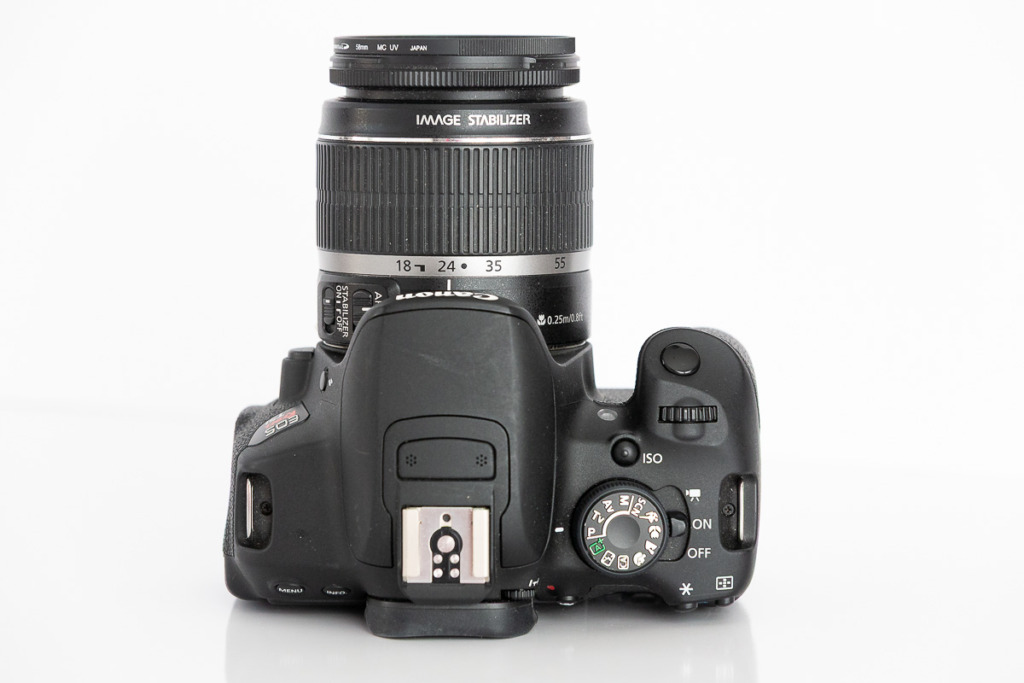
Program Mode — When You Want Speed and Flexibility
Program Mode (P) is a wonderful place to start if Auto Mode feels too limiting, but the other modes feel too intimidating. Think of it as Auto’s smarter, more flexible sibling. 😎
In Program Mode, the camera still selects the aperture and shutter speed — but you take control of whether the flash goes off, which is surprisingly valuable. You can also tell the camera where to focus and even set the ISO and exposure compensation. That last one is a game-changer. (I wrote a whole post about it — you can find it here!)
Program Mode is perfect when things are moving fast and you don’t have time to fiddle with settings:
Great for:
- Learning your camera
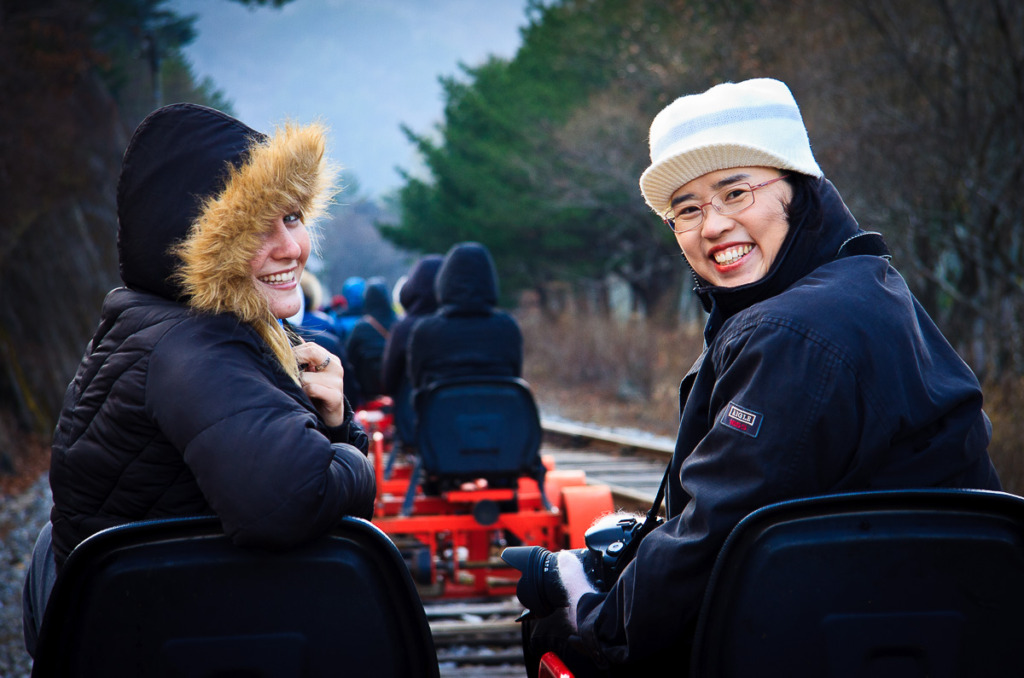
- Travel photography, like this shot of my daughter and a friend riding the Railbike in Jeongseon, Korea
- Street scenes
- Family moments
- Everyday photos
Aperture Mode — For Those Beautiful Blurry Backgrounds
If there’s one camera mode that makes photographers say “aha!” — it’s Aperture Mode (A or Av). This is the one I recommend most often to beginners who want to answer the question what camera mode should I use for portraits or close-ups.
In Aperture Mode, you choose the aperture and the camera automatically selects the shutter speed. Aperture controls your depth of field — in other words, how much of your photo is in sharp focus.
A wide aperture like f/2.8 or f/4 creates that gorgeous soft, blurry background that makes your subject pop. A smaller aperture like f/11 or f/14 or keeps the entire scene sharp — ideal for landscapes.
Great for:
- Portraits
- Flower and macro photography
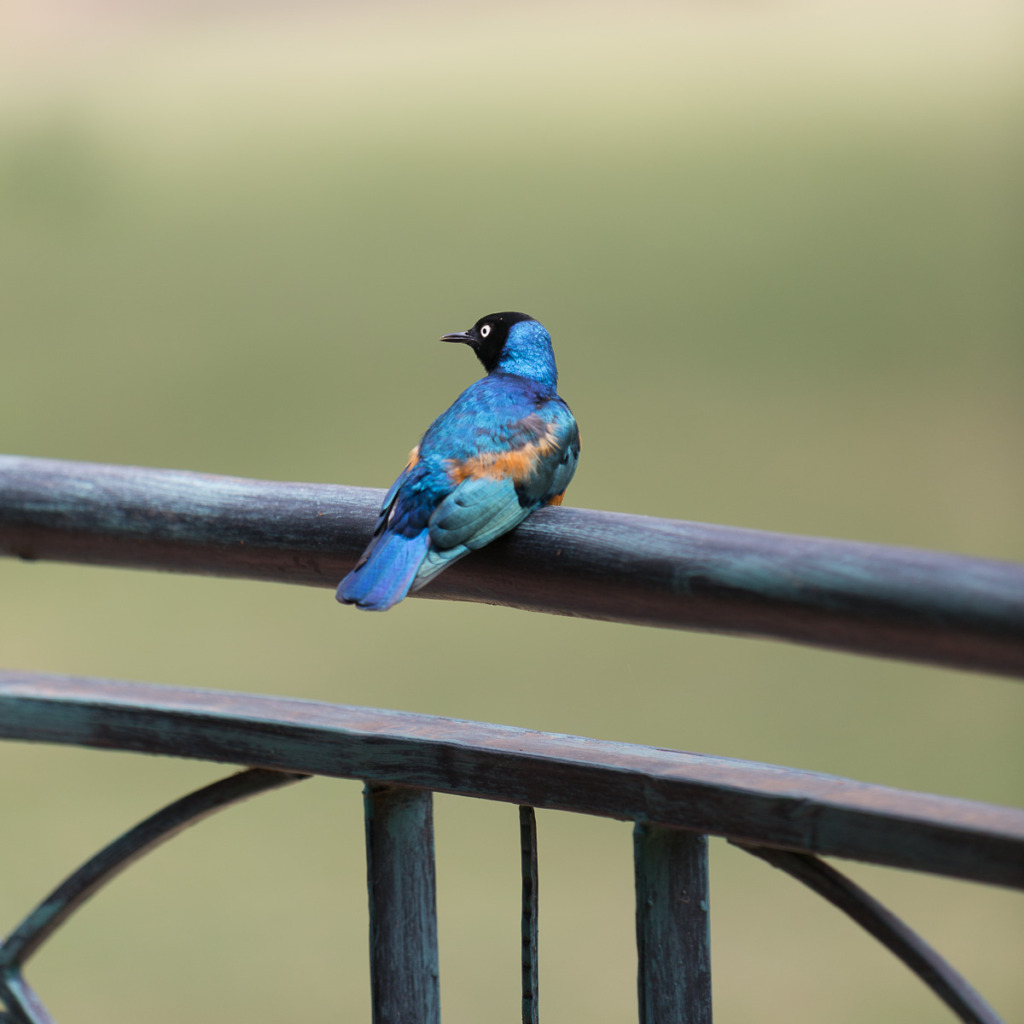
- Pets or Wildlife, like this Superb Starling in Naivasha, Kenya
- Landscapes (with a smaller aperture)
Shutter Mode — When Motion Is the Story
Shutter Mode (S or Tv) puts you in control of the shutter speed while the camera handles the aperture. And shutter speed, as the name suggests, controls how motion appears in your photo.
A fast shutter speed, like 1/1000, freezes a bird in flight or a child mid-leap. A slow shutter speed, like 1/10 or even 1 second or more, lets motion blur beautifully — think silky waterfalls or streaking car lights at night.
Whenever you’re wondering what camera mode should I use for action or movement, Shutter Mode is your answer.
Great for:
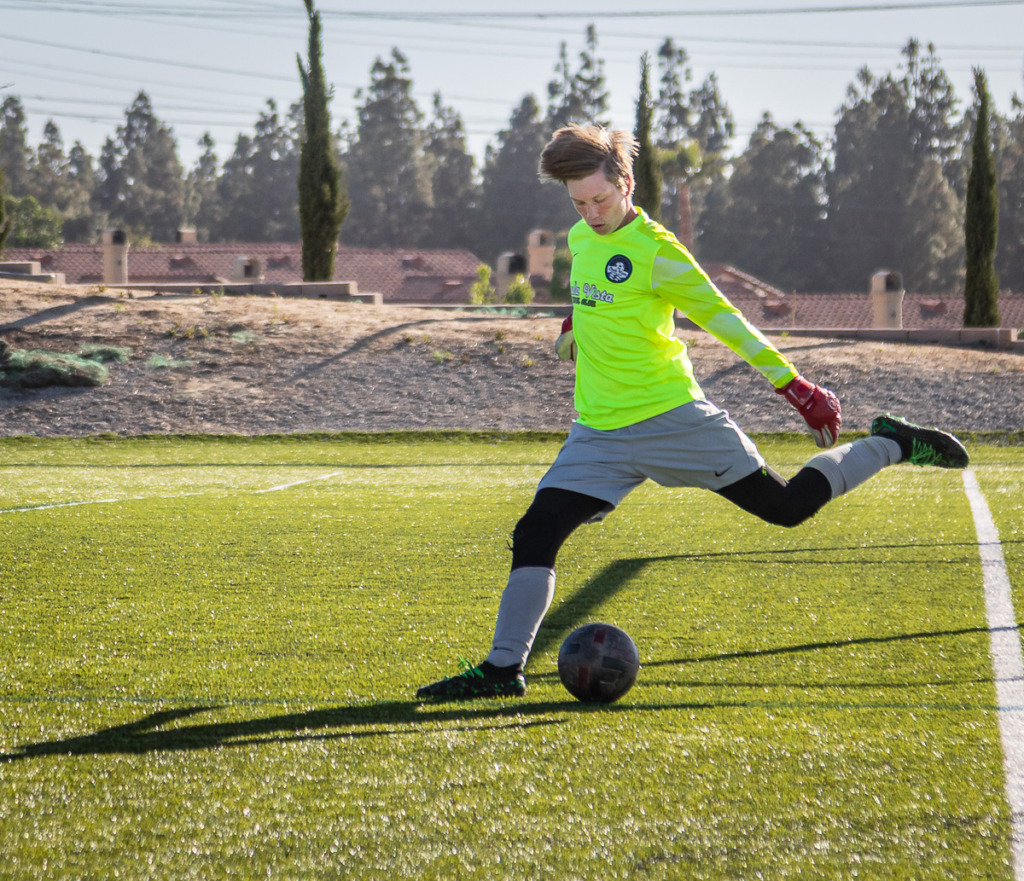
- Sports and wildlife, like Cole, our grandson, kicking a soccer ball
- Kids playing
- Waterfalls and waves
- Creative motion blur
Manual Mode — When You Want Full Creative Control
Manual Mode (M) puts you in complete control. You choose the aperture, the shutter speed, and the ISO. Nothing shifts unless you tell it to.
That might sound intimidating, but Manual Mode is actually wonderful once you try it — especially when your lighting is consistent, and you don’t want your camera second-guessing you.
And please hear this: you don’t have to start with Manual Mode. The other modes will help you get beautiful, creative photos while you build your confidence. Manual Mode will be waiting for you when you’re ready!
Great for:
- Sunrise and sunset photography
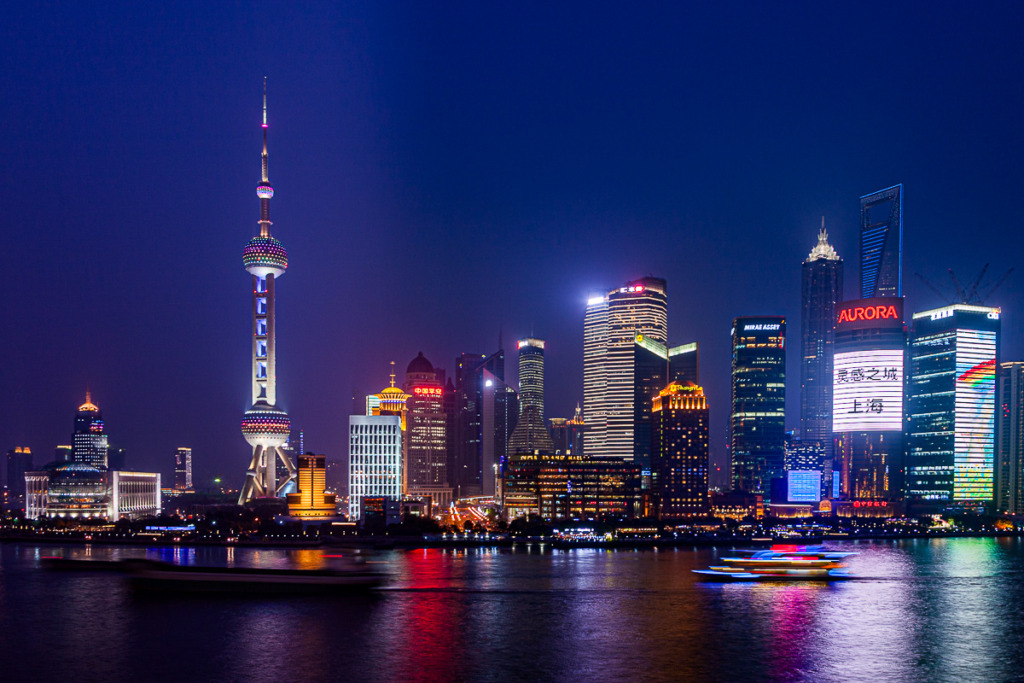
- Night photography, like this shot of Pudong from the Bund in Shanghai, China
- Tripod photography
- Studio lighting
What Camera Mode Should You Use? A Quick Guide
Still wondering what camera mode should I use for your specific situation? Here’s a simple cheat sheet:
| Situation | Mode to Use | Setting to Try |
|---|---|---|
| Everyday photos | Program (P) | Let the camera decide |
| Blurry backgrounds | Aperture (A/Av) | f/2.8 – f/4 |
| Sharp landscapes | Aperture (A/Av) | f/8 – f/11 |
| Freezing motion | Shutter (S/Tv) | 1/500 or faster |
| Creative blur | Shutter (S/Tv) | 1/30 or slower |
| Sunsets, night, tripod | Manual (M) | You decide! |
Now It’s Your Turn
So — what camera mode should I use? Now you have the answer!
- Program Mode is your go-to for everyday, fast-moving situations, especially when you’re just starting out!
- Aperture Mode gives you control over background blur and depth of field
- Shutter Mode lets you freeze or blur motion creatively
- Manual Mode puts you in full control when the light is low
The moment you move off Auto Mode, something wonderful happens. Instead of hoping your camera gets the shot right, you start creating the shot on purpose. That’s when photography stops feeling confusing and starts feeling like a whole lot of fun.
If you’d like a quick reference to take with you while you shoot, download my free Camera Modes Cheat Sheet — plain English, no jargon, just what you need in the field.
📷 Download the Camera Modes Cheat Sheet here.
***And if you’re ready to take your camera off Auto Mode with confidence, join me in my Camera Mechanics Workshop — we explore everything step by step, together.***
Wondering about my preferred everyday mode?
Aperture Mode! When I put my camera away, I leave it set to Av mode, f/4.0 with ISO set to Auto. That way, I can grab it quickly for a fast shot and know that I’ll get a good result. It’s honestly my favorite mode!!! It controls how much light hits the camera sensor, so it has many uses! (I teach this in Camera Mechanics!)

You might also like


Leave a reply